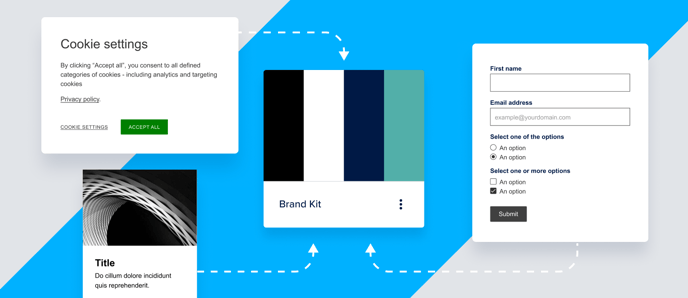
We're adding components to the brand settings, making the Brand Kit more complete. This gives designers and content creators more control, flexibility, and confidence in their brand’s application across Foleon Docs.
💡You can adjust these new settings individually for each Doc in the Brand Settings or set a default style across Docs with a Brand Kit.
✨ Here's what's new:
🆕 Save as Brand Kit
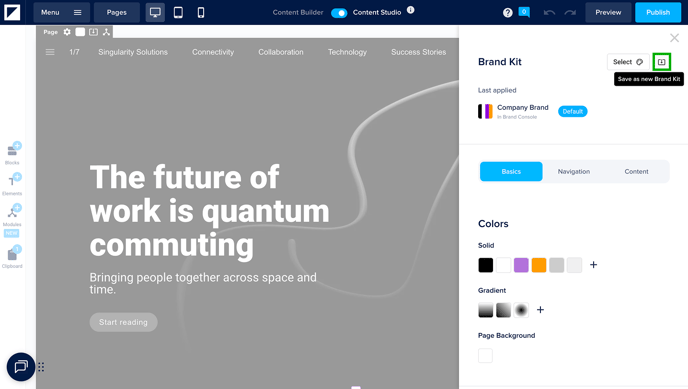
You can now save your brand settings as a new Brand Kit. If you've made changes to the brand settings within your Doc, you'll see a new Save as new Brand Kit icon. Click here to name your Brand Kit and save. A new Brand Kit will be automatically saved in your workspace.
🆕 Last applied
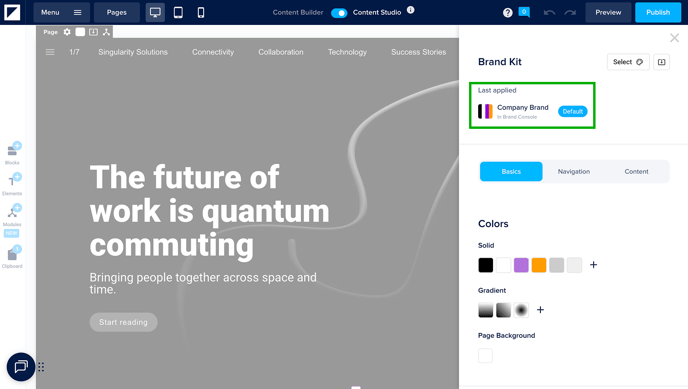
In your Doc's brand settings, you'll see a new section called Last applied. This shows which Brand Kit was most recently applied, helping you track which branding is active in your Doc.
⚠️ You will see this once you apply a Brand Kit to your Doc after this release. This will not be shown retroactively for Docs with a Brand Kit applied before this release.
🆕 Logo Spacing
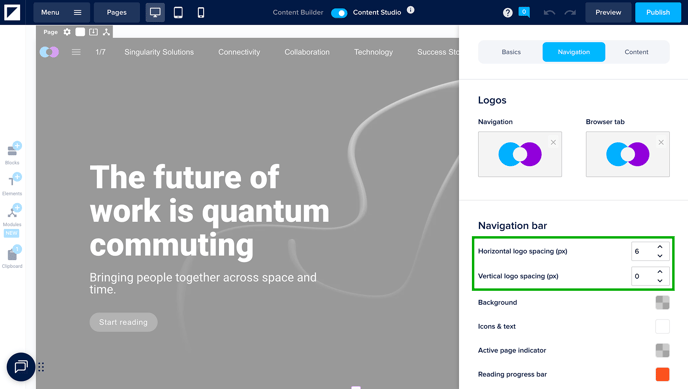
You can now customize the spacing around your logo in the navigation bar:
-
Horizontal spacing: Adds padding on the left and right of the logo
-
Vertical spacing: Controls how large the logo appears in the navigation bar
⚠️ When page names are disabled in the Doc settings, the logo is centered — so the horizontal spacing setting doesn’t apply. The same goes for mobile view, where the logo is also centered.
🆕 Style your Forms
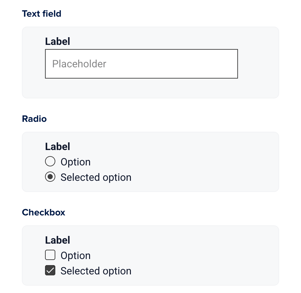
Customize form fields like text inputs, checkboxes, and radios from the Brand Kit. Some elements (like font and buttons) follow your existing brand styles by default.
🆕 Style your Cards
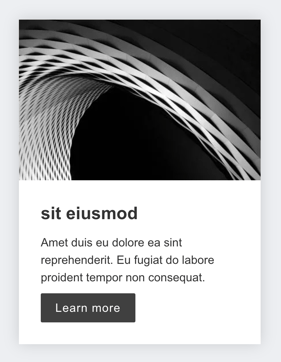
Set default styles for card elements used in gallery and carousel widgets. Control layout, image ratio, text spacing, and buttons.
🆕 Style your Cookie Consent
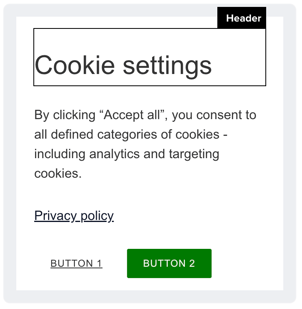
Every Foleon Doc has cookies, and according to GDPR, you need to inform your readers about these cookies. You can now style your cookie consent pop-up in the Brand Kit.
🆕 Set paragraph spacing on your text elements
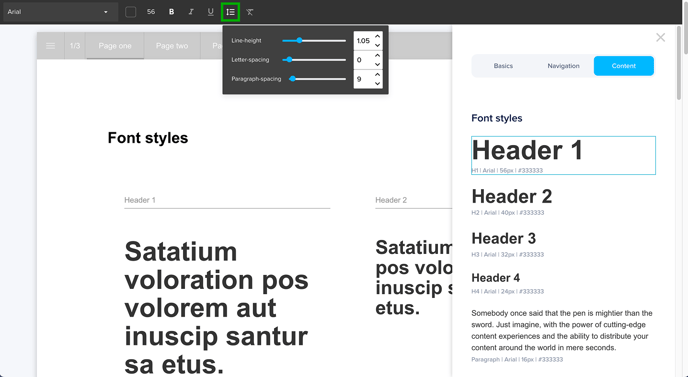
With paragraph spacing, you can add spacing to the bottom of a text paragraph. It’s now part of the Brand Kit for all text components!
🆕 A new tab structure for better organization
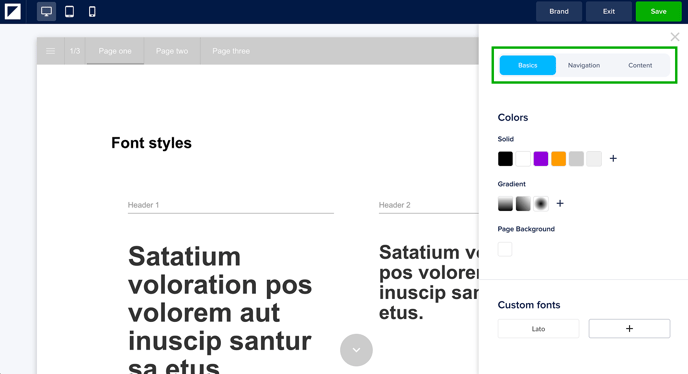
To organize the Brand Settings, we've introduced a tab structure with three main sections: Basics, Navigation, and Content. Click on each tab to adjust the styles individually.