![foleon_logo_white.png]](https://www.foleon.com/hs-fs/hubfs/foleon_logo_white.png?height=40&name=foleon_logo_white.png)
Change your password
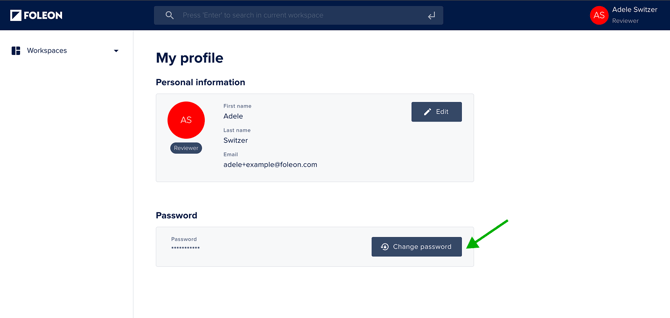
To change your password, click Change Password in your Profile. You'll receive an email with a link to reset your password.
💡All passwords must contain at least 1 letter and 1 number. The minimum length is typically 8 characters. Your organization may have additional requirements in place. If you're unsure what applies to you, feel free to reach out to us at support@foleon.com.
Forgot your password?
If you forgot your password and you’re no longer logged in:
-
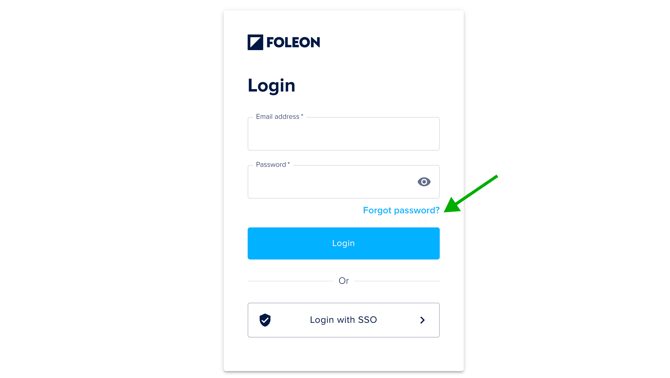
Click Forgot password below the password field on the login page.
-
Enter your email address and click Send email.
-
You'll receive an email with a link to reset your password.
⚠️ To help keep your account safe, we've set a limit of 5 login attempts.
After each attempt, your account will be temporarily locked for the following durations: first for 3 minutes, then 15 minutes, then 30 minutes, and finally for 24 hours.
If you're locked out, contact our support team for help.