![foleon_logo_white.png]](https://www.foleon.com/hs-fs/hubfs/foleon_logo_white.png?height=40&name=foleon_logo_white.png)
💡 Want to learn more about text? Check out our article All about Text: Titles, Paragraphs & Quotes.
How to create a list
- Drag and drop a text element onto your page
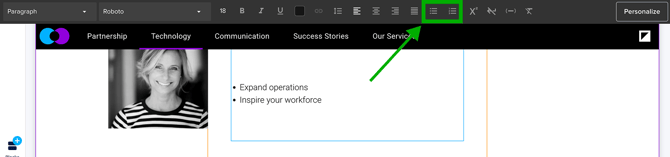
- Use the top formatting bar to create either a bulleted or numbered list
How to create sub-levels
You can create indented items in your list to create sub-bullets and sub-numbered lists. For example:
- Main point
- Sub-bullet
- Sub-bullet
- Sub-bullet
To indent your list:
- Place your cursor at the beginning of the list item you want to indent
- Press Tab on your keyboard to create a sub-bullet
- To decrease the indent, place your cursor at the beginning of the sub-item and press Shift + Tab.
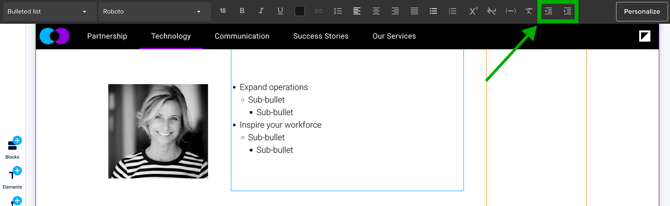
Alternatively, you can use the top formatting bar to increase or decrease the indent.
⚠️ You can create nested lists up to three levels deep.