
- Help Center
- Using Foleon
- ➕ Quick guides
How to embed a Typeform survey
This article describes how to implement a Typeform survey into your Foleon Doc, by using the embed element. Follow these three easy steps.
Step 1
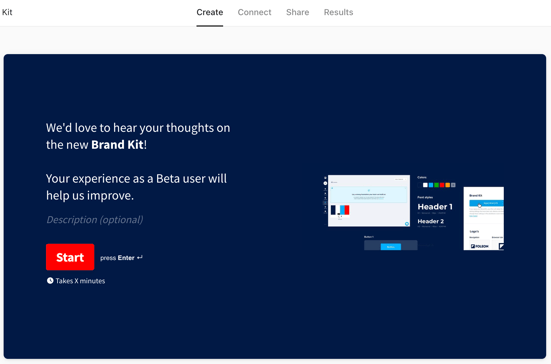
Create a survey in Typeform and publish it. Design the survey exactly the way you want it to show in Foleon.
Step 2
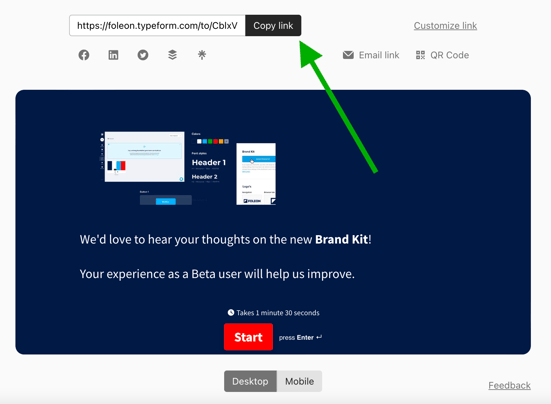
In Typeform, under the share tab, copy the link of your published survey.
Step 3
In your Foleon Doc, drag the embed element onto your page. Paste the link into the embed element and save your changes.
-2.gif?width=600&height=314&name=ezgif.com-video-to-gif%20(2)-2.gif)
That's it. You've now embedded your Typeform survey into your Foleon Doc.